Type It. Animate It. Ship It.
Create game-ready character animations in seconds. Just describe the movement—our AI handles the rest.
Made with nocapmocap
Real animations. Real prompts. Zero keyframing.
How Teams Can Use nocapmocap
See how animation teams can integrate nocapmocap into a studio workflow.
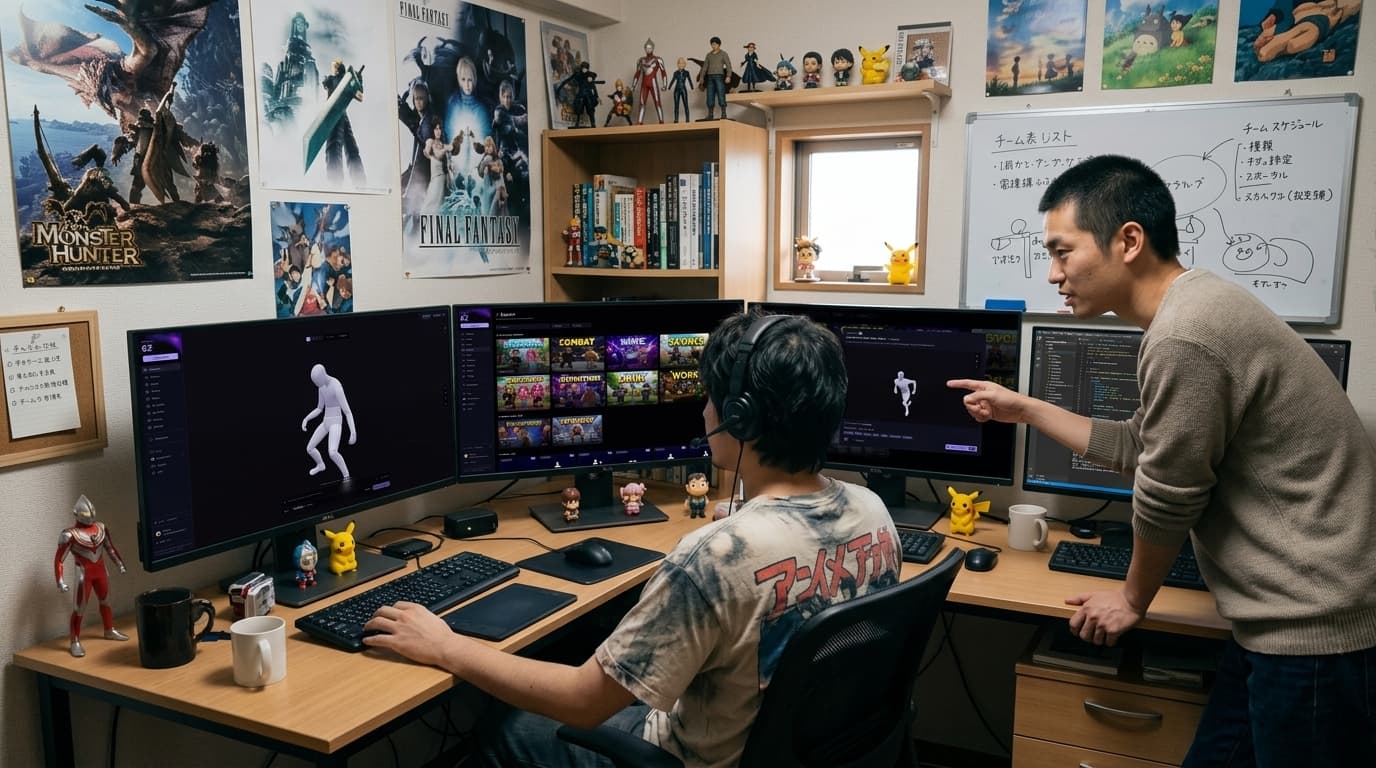
Use nocapmocap alongside your character animation pipeline. AI-generated illustrative image.
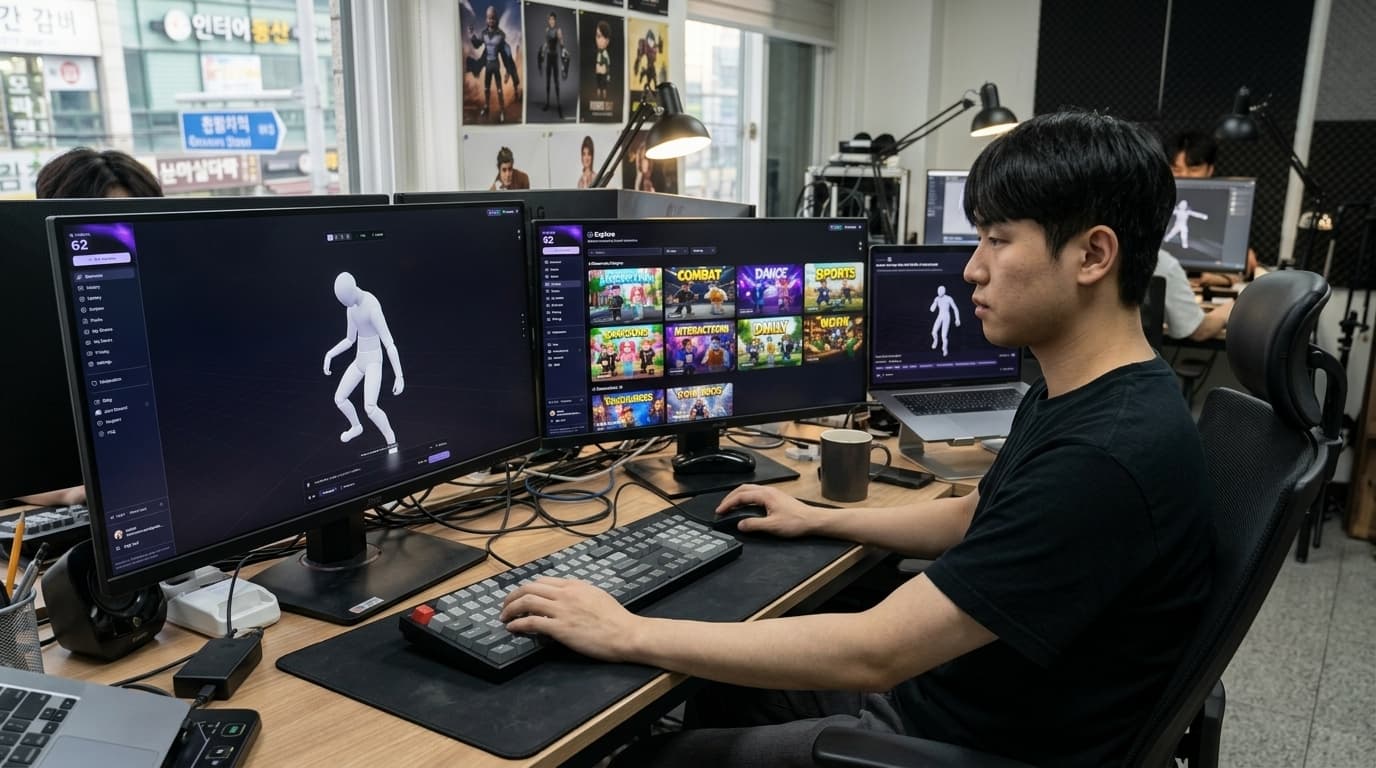
Iterate on animations in real time across multiple screens. AI-generated illustrative image.
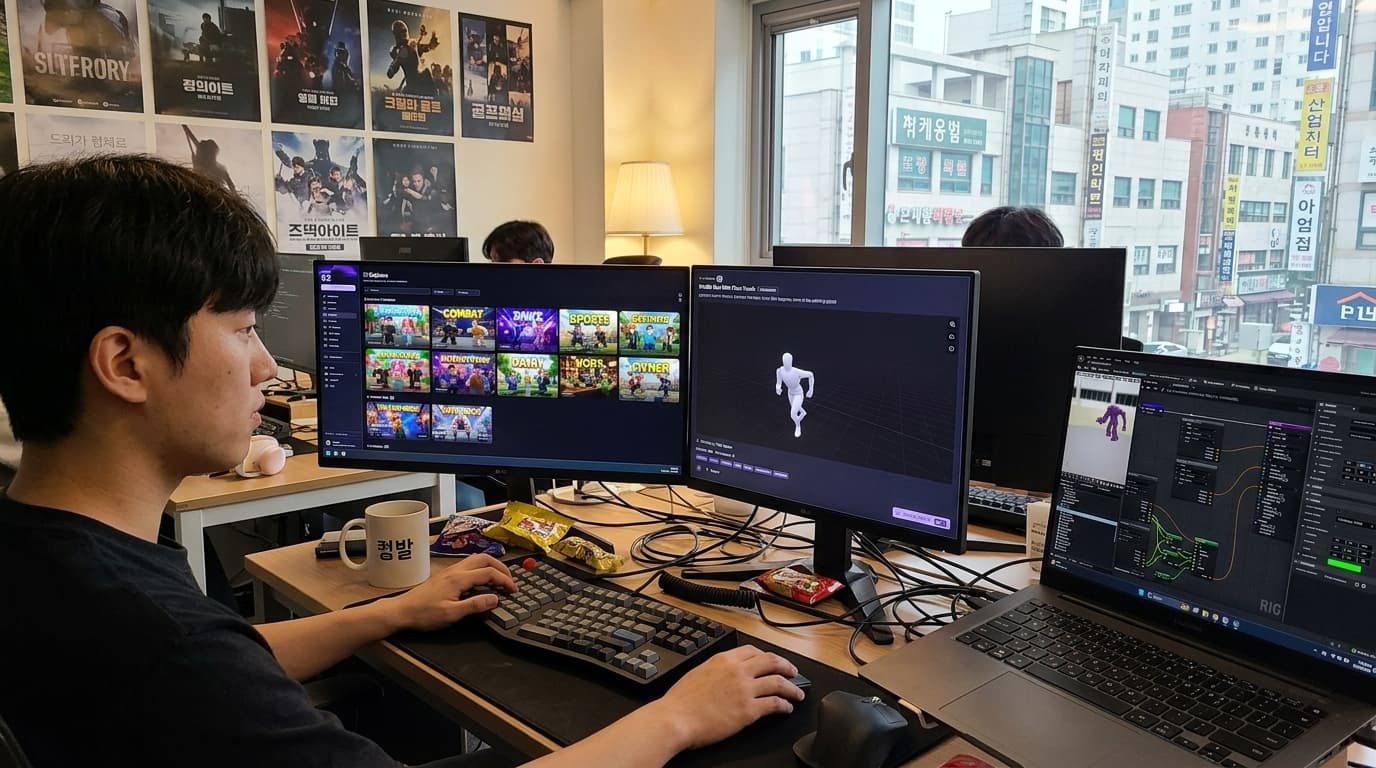
Run nocapmocap alongside your game engine for instant preview. AI-generated illustrative image.
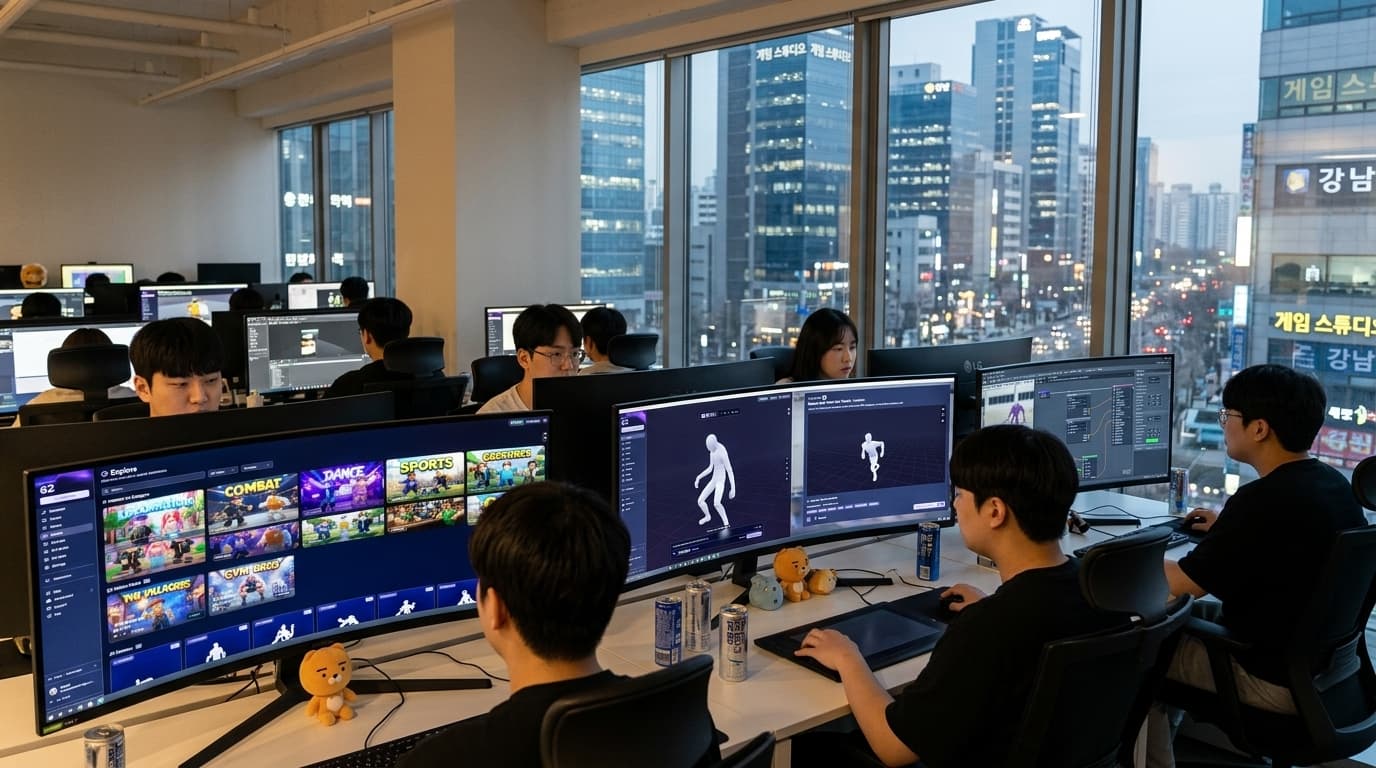
Generate animations simultaneously across your team. AI-generated illustrative image.
How It Works
Describe
Tell us what your character should do
Generate
Get 4 unique animations in under a minute
Export
Download, copy to Roblox, or drag into your engine
Why nocapmocap?
Text to Motion
Describe any movement. Get a matching animation. Our AI speaks plain English—no animation jargon required.
4 Variations
Every generation gives you 4 unique takes. More options. Less iteration. Pick your favorite and move on.
Multiple Formats
One-click export to Roblox, Unity, Unreal, or Blender. Standard FBX that just works.
Built for How You Work
Roblox, Unity, Unreal—we speak your engine's language.
Plays nice with everything




Join the Community
Get help, share your work, vote on features, and hang out with fellow creators.