NOCAPMOCAP Blog
Learn about AI animation, motion capture, and game development. Tutorials, guides, and insights from our team.

The Easiest Way to Make Roblox Animations: AI Animator & Generator
The easiest AI Roblox animator: turn a text prompt or video into R15 animations and apply them in Roblox Studio with a plugin. Pay-as-you-go, no subscription.
More Articles
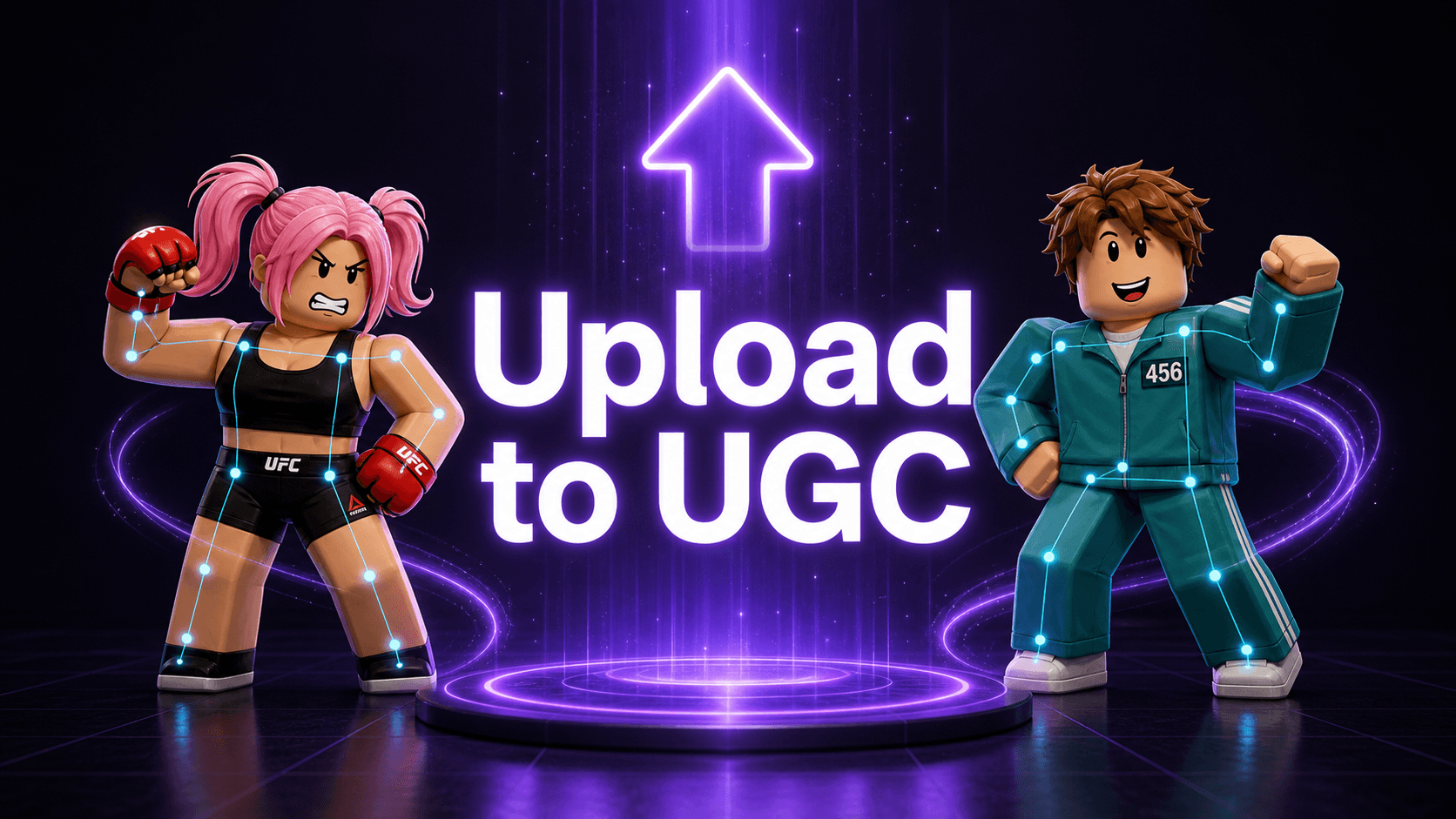
How to Publish a Roblox Emote to the Marketplace (the Step Everyone Misses)
Roblox animation stuck under Development Items? Convert it to a CurveAnimation, then publish it as an Avatar Item emote. Here are the exact Marketplace steps.
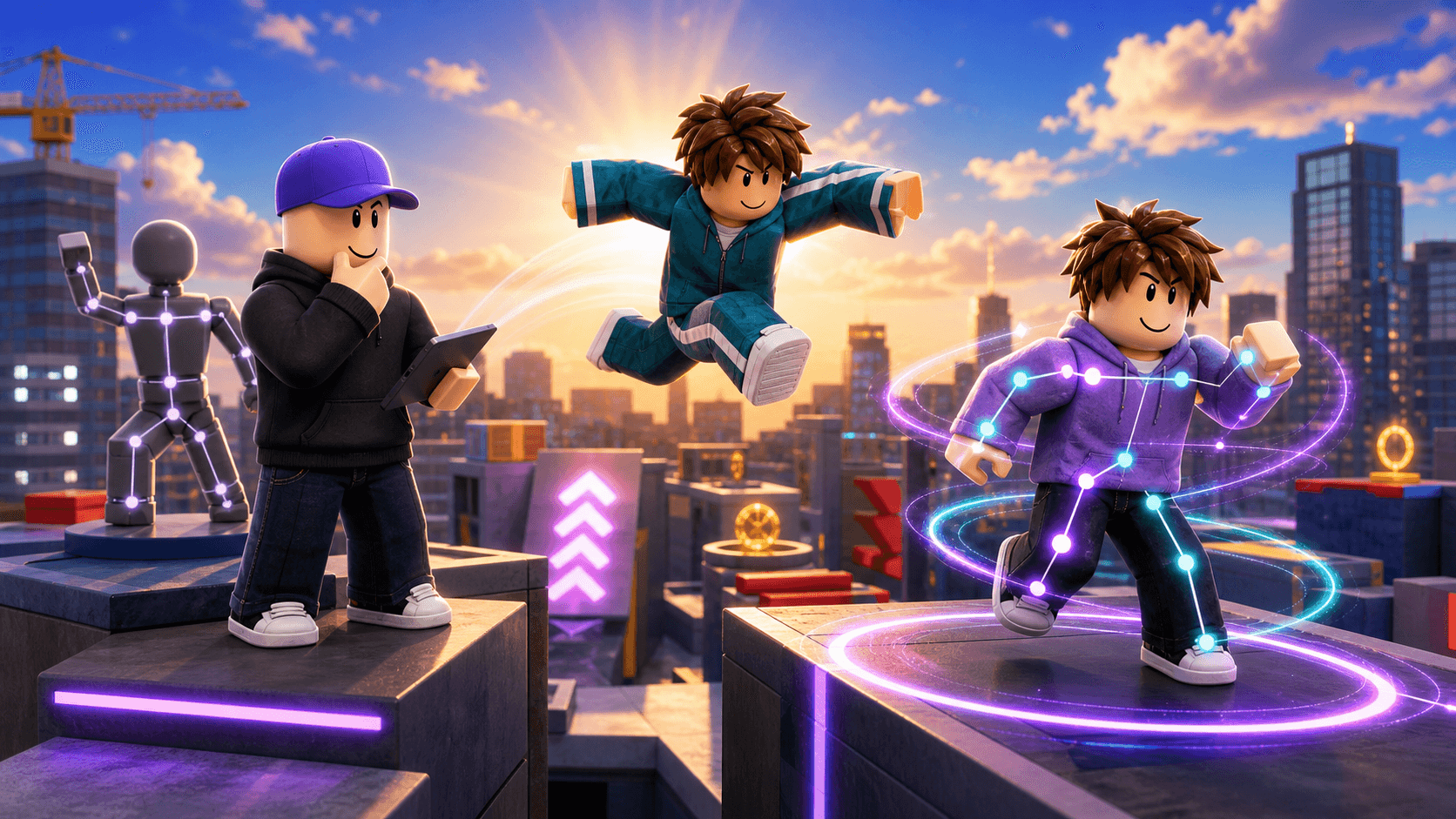
Custom Roblox R15 Animations: DIY, Hire a Pro, or AI Mocap
Three real ways to get a custom Roblox R15 animation: keyframe it yourself, hire a pro, or use AI mocap. Here's how to pick the right one — and what each costs.

How to Import Roblox Animations Without Blender (You Probably Don't Need It)
You don't need the Blender 3D app to import Roblox animations. The R15 paths that skip it: Motion Lab, Copy for Roblox Studio, and the native Animation Editor.
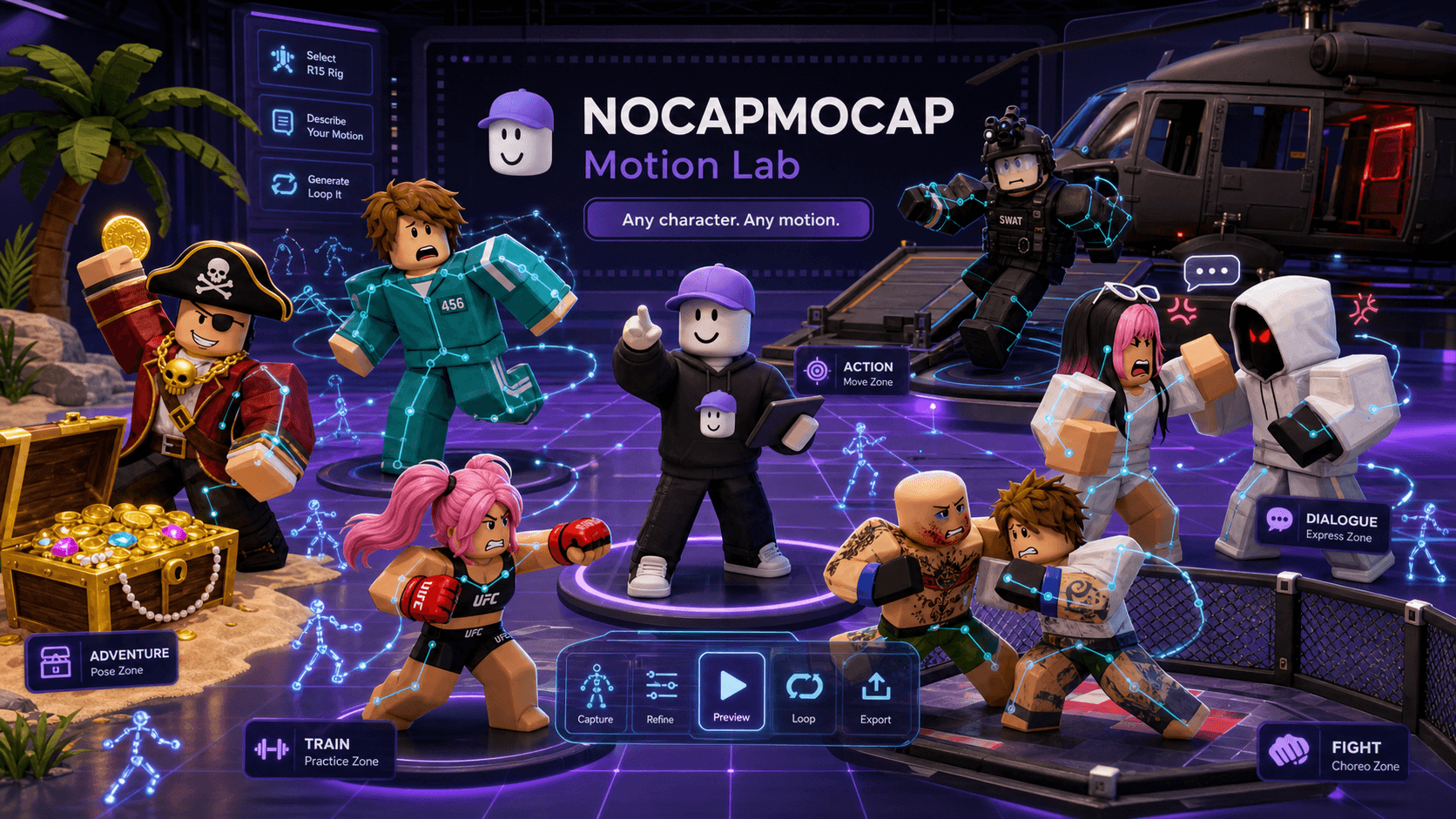
How to Turn a Video Into a Roblox Animation (Without It Falling Apart)
Turning a video into a Roblox animation rarely fails at the capture — it fails in the handoff. Here are the six places it breaks, why, and how to fix each one.

Mixamo alternatives in 2026: what actually works for Roblox creators
A straight, up-to-date breakdown of the best Mixamo alternatives in 2026 for Roblox creators — pricing, R15 export, and which tool is actually Roblox-native.

How to Create Custom Emotes for Roblox with AI
Learn how to generate custom Roblox emotes using AI animation—from ragdoll drops to victory poses to robot dances—and import them directly into Roblox Studio.