Film a move. Steal it. Ship it.
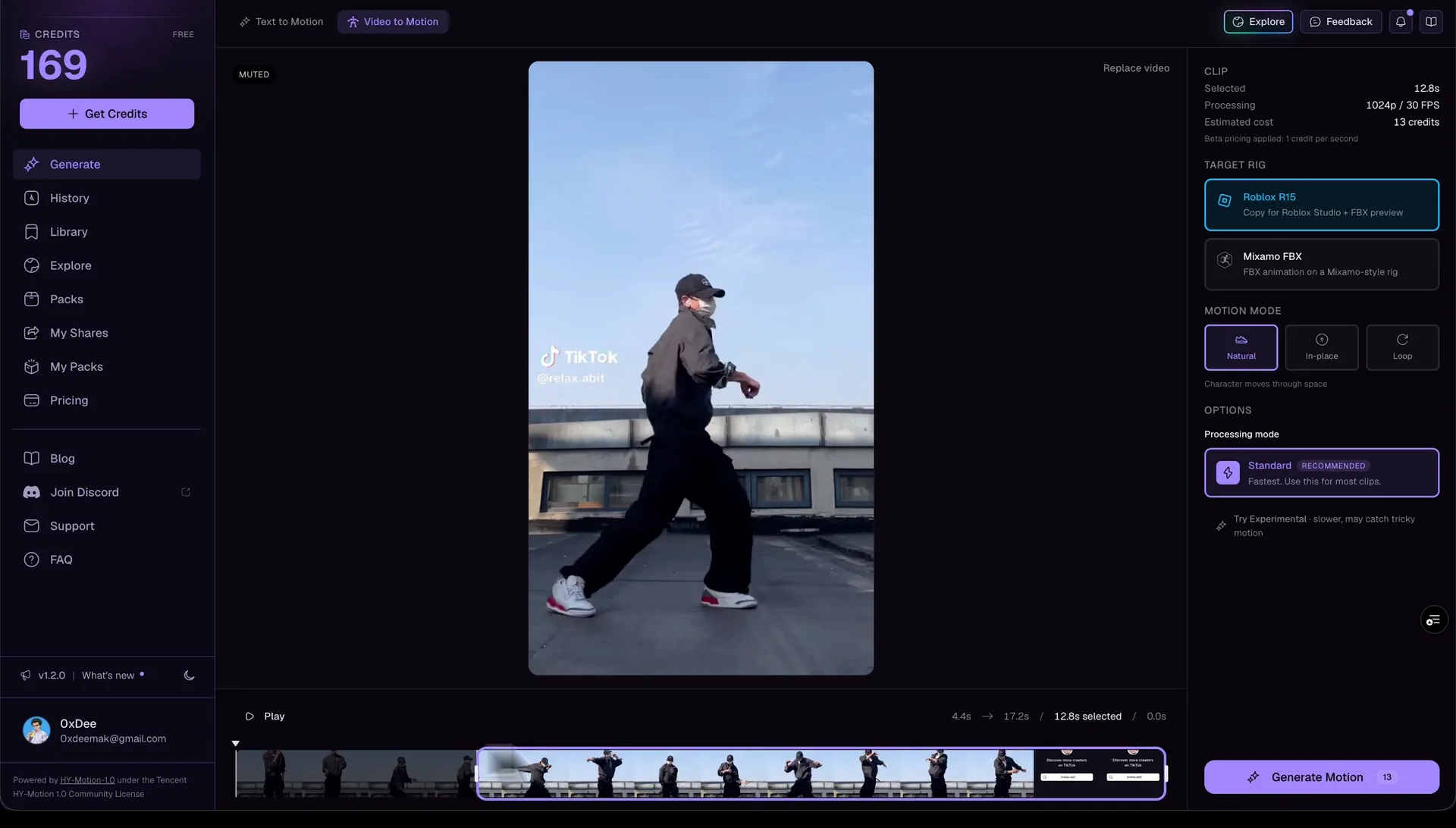
Film a move on your phone, trim the part you want, and get an animation back. Then put it on your character in Roblox Studio with our free plugin.
Use a phone clip, a webcam clip or a screen recording. You do not need a suit, markers or a camera rig.
Roblox Studio
Copy it on NoCapMocap, then paste it in Roblox Studio
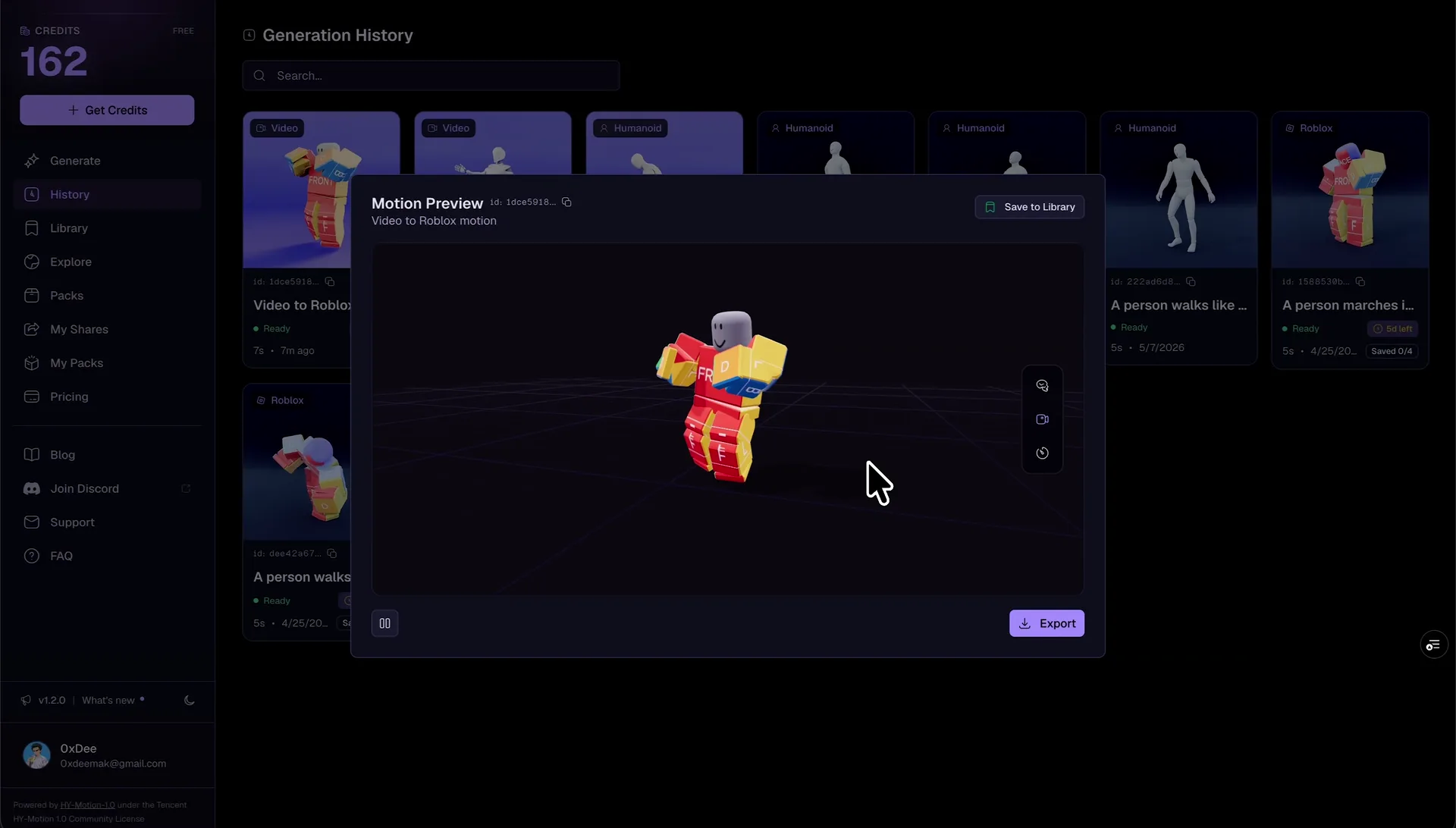
Choose Roblox before you generate, and your animation fits an R15 character. Press Copy on your result. Then paste it in Studio with the community Blender Animations plugin. You can also use our free Motion Lab plugin instead.
Copy the animation from your result.
Paste it in Studio with the community Blender Animations plugin.
Need an FBX instead? Choose Humanoid before you generate. Then download the FBX for Mixamo, Unity, Unreal or Blender.
How it works
From a phone clip to Roblox Studio
You do not need a suit, markers or keyframes. Video goes in, and an animation comes out.
- 01
Upload a clip
Use a phone clip, a screen recording or any other video. Upload an MP4, MOV or WEBM file of up to 300 MB.
- 02
Trim the move
Cut the video down to the move you want. You can trim up to 20 seconds at a time. A shorter clip costs fewer credits and gives a sharper result.
- 03
Generate the animation
Choose Roblox or Humanoid, then press Generate. The AI reads the move in your video and turns it into an animation.
- 04
Put it in Studio
Use our free Motion Lab plugin to put it on your character in Studio. You can also paste it with the community Blender Animations plugin. Want an FBX for Unity, Unreal or Blender? Choose Humanoid, and download the FBX.
 Straight from the generator
Here is what the animations look like
These clips started as text prompts. Open one to spin it in 3D.
Roblox animation resources
How to actually get this into your game

The Easiest Way to Make Roblox Animations: AI Animator & Generator
The easiest AI Roblox animator: turn a text prompt or video into R15 animations and apply them in Roblox Studio with a plugin. Pay-as-you-go, no subscription.

How to Create Custom Emotes for Roblox with AI
Learn how to generate custom Roblox emotes using AI animation—from ragdoll drops to victory poses to robot dances—and import them directly into Roblox Studio.