Last updated June 2026. Competitor pricing and features were verified at the time of writing — check each tool's site for the latest.
Mixamo is free, but it is also stuck in 2015, has no R15 export, and it can't really generate a single animation you don't already find in its library. If you're building on Roblox, you already know the pain my friend.
So what actually works in 2026? I made for you a straight breakdown of the real alternatives, what they do, what they cost, and which ones are worth your time if you're a Roblox creator.
Why Roblox creators outgrow Mixamo fast
Mixamo's library is genuinely useful for Unity and Unreal workflows. For Roblox, it's a different story. Every animation you pull from Mixamo uses a standard humanoid rig that doesn't match R15. You have to manually retarget it in Blender or inside Roblox Studio, and that process is an absolute pain, so most devs just give up and ship the same recycled free animations everyone else uses.
On top of that, Mixamo hasn't had a meaningful update since Adobe acquired it. You can't generate custom motion or describe a move and get something back. If the clip you need isn't already in the catalogue, well, I have bad news for you.
That's the gap every alternative below is trying to fill - though not all of them fill it equally well for Roblox creators specifically.
The main Mixamo alternatives in 2026
DeepMotion
DeepMotion is the closest thing to a full-featured Mixamo alternative for general game dev. It supports both video-to-animation and text-to-animation, which puts it ahead of most competitors on paper.
The output quality is solid. Physics-based simulation means foot contact and body dynamics look realistic. There's a freemium tier with 60 credits/month, and paid plans start at $9/month billed annually ($15 monthly) for the Starter tier, scaling up to $83/month for the unlimited Studio tier. So it's not the price that's the problem.
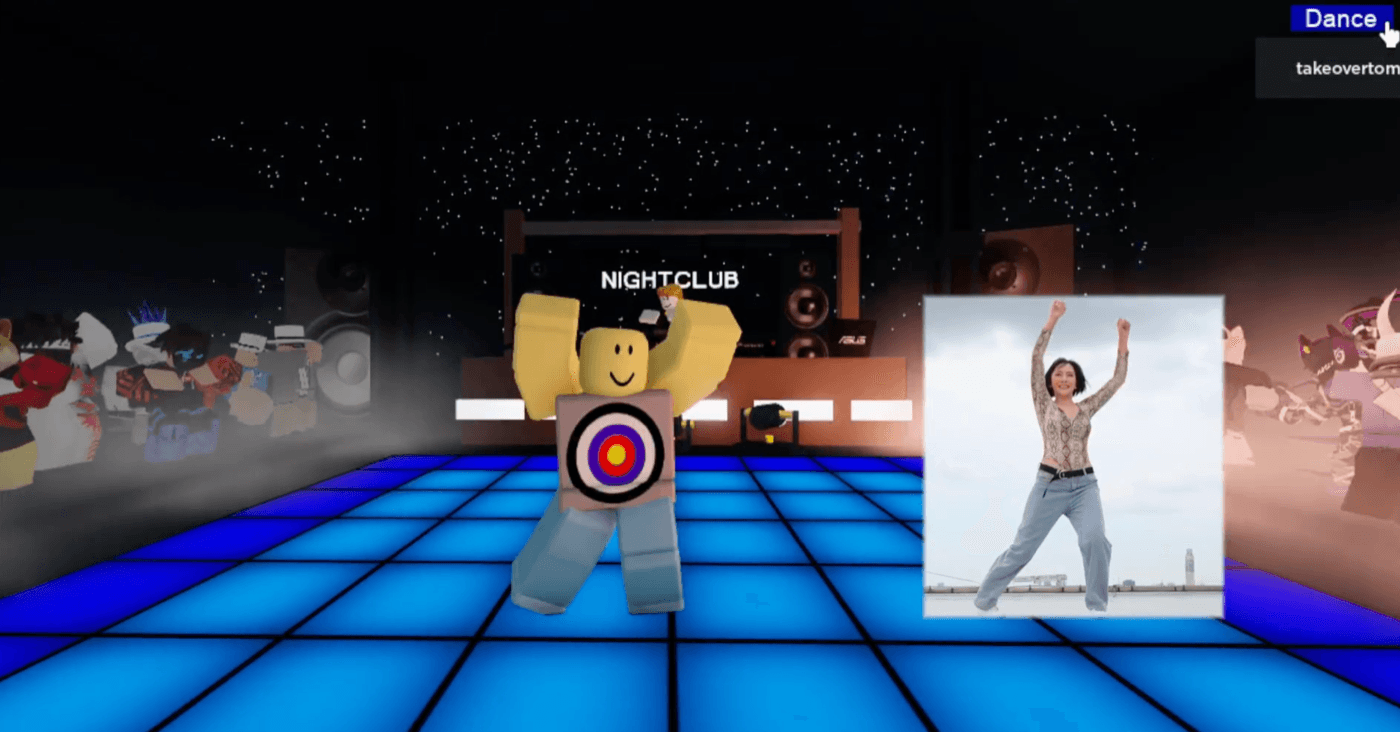
DeepMotion actually handles R15 better than most. It added a built-in Roblox R15 default character, so it auto-retargets your motion and exports an FBX you can drop into Roblox Studio without ever opening Blender. So R15 is no longer the catch. The catch is the round trip: it's a separate web app, so every time you generate there, export a file, and import it into Studio by hand. There's no way to work inside Studio itself, and face tracking isn't supported on Roblox characters.
Best for: Indie devs in Unity or Unreal who want AI-assisted motion capture from text or video.
Not great for: Roblox creators who'd rather generate inside Studio than bounce out to a separate app and import FBX files.
QuickMagic AI
QuickMagic is the cheapest video mocap tool in this category. The Starter plan is $9.90/month for 150 V Coins, with a Professional tier at $49.90/month for 1,000 V Coins. There's also a free tier with 50 V Coins per month.
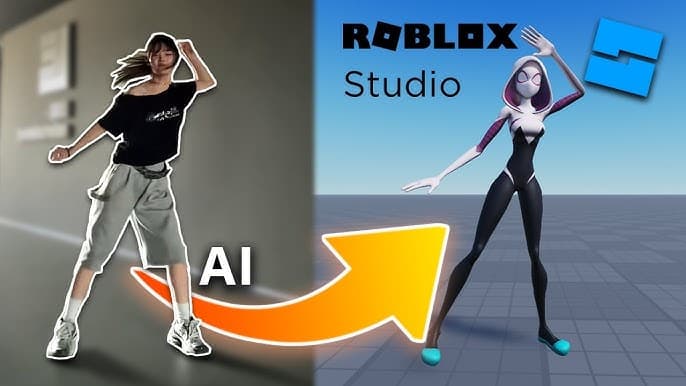
It's browser-based, includes hand tracking, and works well if you have video footage of someone performing the motion you need.
It does ship a dedicated Roblox R15 export preset — an FBX that imports straight into Studio — so R15 itself isn't the issue. The catches are elsewhere. It's video-input only with no text-to-animation, so if you don't have footage of someone performing the move, you're stuck. The Roblox preset is also in-place motion with no hand or face capture, so the hand-tracking selling point doesn't actually carry over to your R15 output. And you're still exporting an FBX and importing it into Studio by hand every time.
The V Coin credit model is also a bit opaque — it's not always obvious how many coins a given capture will burn.
Best for: Budget-conscious devs who have video footage and are working in Blender, Unity, or Unreal.
Not great for: Roblox creators who want text-to-animation, or who'd rather skip filming and FBX imports entirely.
Rokoko Vision
Rokoko is a well-regarded browser-based mocap tool with a genuinely free entry tier — Video-to-Motion clips under 15 seconds and 5 Studio imports per month at no cost. Paid plans start at $10/month (billed annually) and scale up to enterprise. Dual-camera support improves accuracy, and the community reputation is strong.
It's video input only and outputs generic skeletal data — no text-to-animation, and no Roblox R15 preset, so you're retargeting in Blender or Studio before anything works. The free tier's 15-second cap also limits it to short emotes or test clips unless you upgrade.
Best for: Creators who want a free starting point for video mocap and are working outside Roblox.
Not great for: Roblox devs who need custom motion without filming anything.
Move.ai
Move.ai is the premium option in this space. It uses a multi-camera iPhone system to capture high-fidelity markerless motion, and it's used by AAA studios and VFX teams. Paid plans start at $15/month (Personal, roughly 375 seconds of capture), with Standard at $50/month (~1,250 seconds) and Advanced at $250/month.
It's excellent at what it does. It's also clearly not built for Roblox creators. No Roblox R15 preset, no text-to-animation, and the workflow assumes a professional multi-camera setup. If you're a solo dev or hobbyist, this isn't your tool.
Best for: Professional studios that need broadcast-quality motion capture.
Not great for: Indie Roblox devs. Full stop.
RADiCAL Motion
RADiCAL combines video mocap with 3D scene composition tooling, which is an interesting angle. Paid plans start at $6/month (Starter — 1 hour of motion playtime and 1 FBX export per month), with a Creator tier at $20/month and a Standard tier at $12/month billed annually that unlocks unlimited FBX exports.
The catch is the same as everywhere else: no text-to-animation and no Roblox R15 preset, so you're still retargeting in Blender before anything lands in Roblox Studio. And the cheaper tiers cap FBX exports (1/month on Starter, 5/month on Creator), so you'd need Standard or higher to export freely.
Best for: Creators who want to combine mocap with scene design.
Not great for: Roblox creators who need a predictable, R15-native workflow.
The Roblox-native option: NoCapMocap
A couple of the tools above — DeepMotion and QuickMagic — can now hand you a Roblox R15 FBX. But every one of them lives outside Roblox: you generate in a separate app, export a file, and import it into Studio. None of them let you create animations inside Roblox Studio itself.
NoCapMocap is built specifically to close that gap — and it's the only tool here with a native Roblox Studio plugin. The Motion Lab plugin lets you generate, preview, and apply animations without ever leaving Studio. Nothing to export, nothing to import, no second app open on another monitor.
However you generate, the output is a rigged R15 animation — not a generic FBX you have to convert. Type a motion in plain English — "character stumbles backward and catches themselves" — and get four variations per standard Single prompt, 1–10 seconds each. Prefer the web app? Copy the animation and paste it into the community Blender Animations plugin inside Roblox Studio. No retargeting, no file conversion.
No performer required. No camera. No studio.
If you do have video footage, the video-to-motion feature converts a phone clip into an R15 animation using markerless AI mocap — currently available at reduced beta pricing.
Pricing starts at $7 for a 25-credit pack (1 credit = 1 second of animation), with subscriptions from $9/month for 50 credits up to $79/month for 1,000 credits. Pay only for what you generate.
Quick comparison
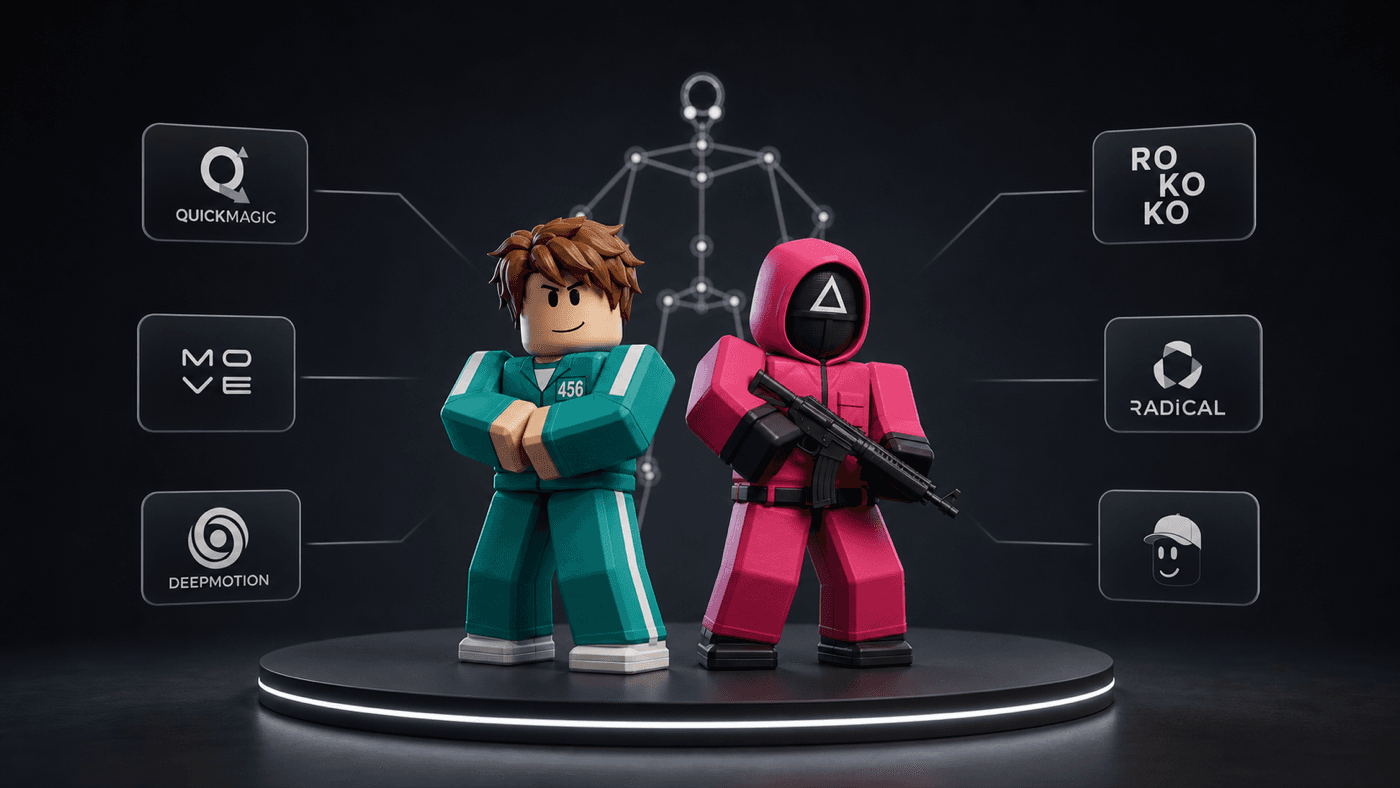
Three things actually separate these tools for Roblox work: whether you can generate motion from text, whether you get R15 output at all, and whether you can do any of it inside Roblox Studio. Pricing is covered in each section above.
| Tool | Text-to-animation | Roblox R15 output | Roblox Studio plugin |
|---|---|---|---|
| Mixamo | No | No | No |
| DeepMotion | Yes | Yes (FBX) | No |
| QuickMagic AI | No | Yes (FBX) | No |
| Rokoko Vision | No | No | No |
| Move.ai | No | No | No |
| RADiCAL Motion | No | No | No |
| NoCapMocap | Yes | Yes (native) | Yes |
Which one should you use?
If you're building in Unity or Unreal and you have video footage, DeepMotion or QuickMagic are worth a look. If you're on a tight budget and have a performer to film, Rokoko Vision's free tier is a reasonable starting point.
If you're building on Roblox and you want custom animations without filming anything, exporting files, or jumping between apps, the alternatives above all fall short the same way: they live outside Roblox Studio. A couple can export an R15 FBX now, but you're still importing files by hand. NoCapMocap is the only one in this list that lets you describe a motion and generate it as a rigged R15 animation inside Studio itself.
Generate your first animation in 30 seconds at nocapmocap.com.
FAQs
What is the best Mixamo alternative for Roblox in 2026?
For Roblox creators specifically, NoCapMocap is the only tool in this comparison with a native Roblox Studio plugin, so you can generate text-to-R15 animations without ever leaving Studio. DeepMotion and QuickMagic can export a Roblox R15 FBX, but you still have to generate in a separate app and import the file yourself.
Can I use Mixamo animations in Roblox Studio?
Technically yes, but Mixamo uses a standard humanoid rig that doesn't match R15. You have to manually retarget the FBX inside Roblox Studio, which is a multi-step process that many creators find frustrating and time-consuming.
Do any Mixamo alternatives support text-to-animation for Roblox?
DeepMotion supports text-to-3D animation and now offers a Roblox R15 default character for export; QuickMagic has Roblox R15 export but no text-to-animation yet. Either way you're working in a separate app and importing an FBX. NoCapMocap is the only one that turns a text prompt into a rigged R15 animation you generate inside Roblox Studio itself — no export or import step.
Do I need a performer or camera to use these tools?
Most video mocap tools (QuickMagic, Rokoko Vision, Move.ai, RADiCAL) require you to film someone performing the motion. NoCapMocap's text-to-motion feature requires no performer, no camera, and no studio setup.
How much does NoCapMocap cost compared to other Mixamo alternatives?
NoCapMocap credit packs start at $7 for 25 credits, with subscriptions from $9/month. DeepMotion starts at $9/month (billed annually), QuickMagic at $9.90/month, and Move.ai at $15/month. Mixamo itself is free but can't generate custom animations or export R15.
What does "R15 native export" mean and why does it matter?
R15 is Roblox's standard character rig. Native R15 means the animation comes out already formatted for that rig, so there's no retargeting in Blender. A few tools now export an R15 FBX you import as a file; NoCapMocap goes a step further and generates R15 animations inside Studio through its plugin, with nothing to import.
Can I try NoCapMocap for free?
You can sign up for a free account. Generating animations requires credits, which you can buy as a one-time pack starting at $7, or through a monthly subscription starting at $9/month.
Ready to skip the retargeting? Generate your first R15 animation →