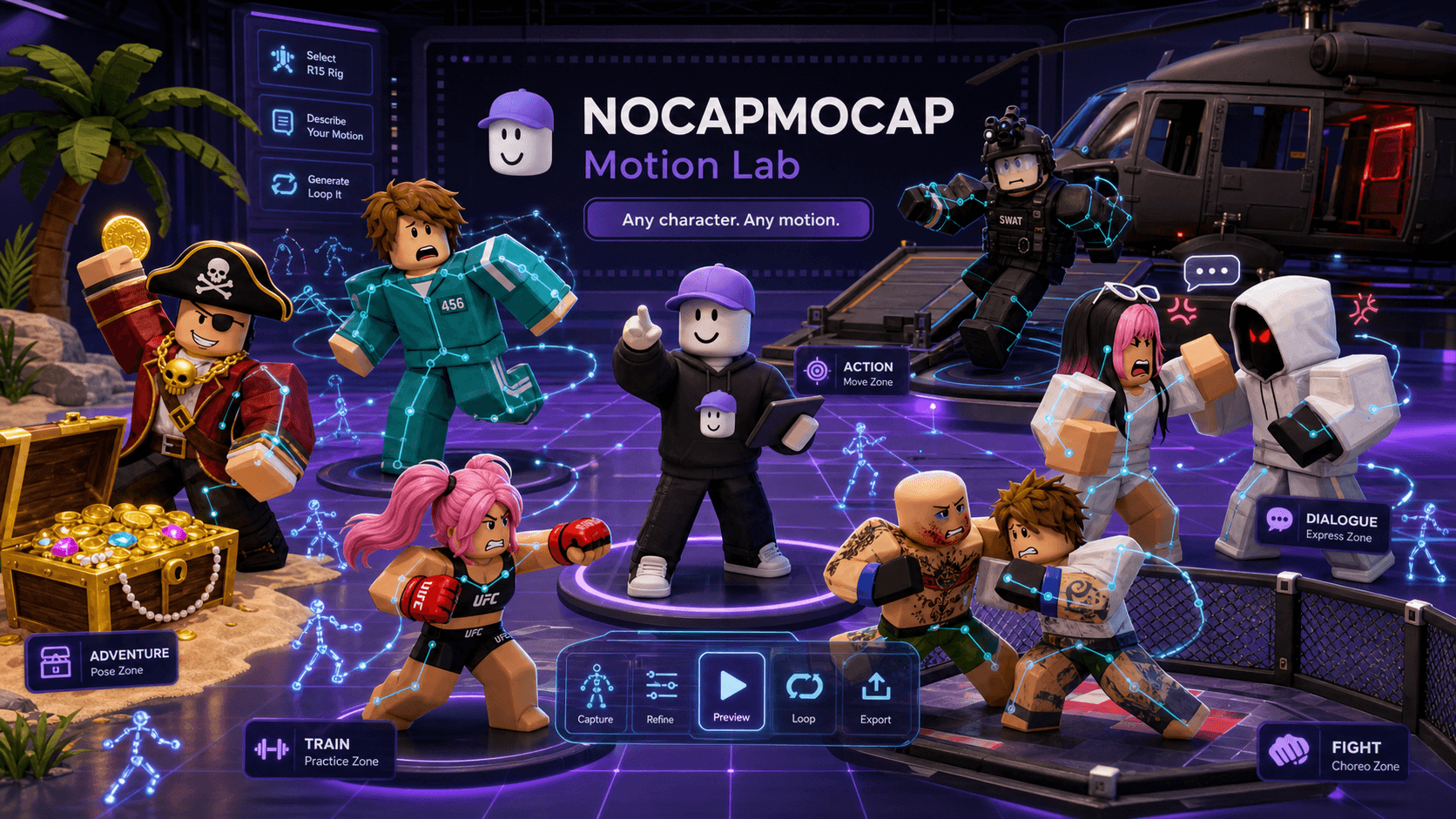
Last updated October 2026. Pricing and product details were verified at the time of writing — check the linked pages for the latest.
Almost every "how to make custom Roblox animations" guide skips the only question that matters. They jump straight to a tool, a plugin, an export checklist — and quietly assume you already know how to animate. Most creators don't. That's the whole reason you're searching.
So let's reframe it. Getting a custom Roblox R15 animation onto your character isn't really a tool decision. It's a who-does-the-work decision. There are exactly three real answers: you do it, you pay someone to do it, or you let AI do it. Everything else — Mixamo, free packs, that 40-minute Blender tutorial — is a detour around one of those three.
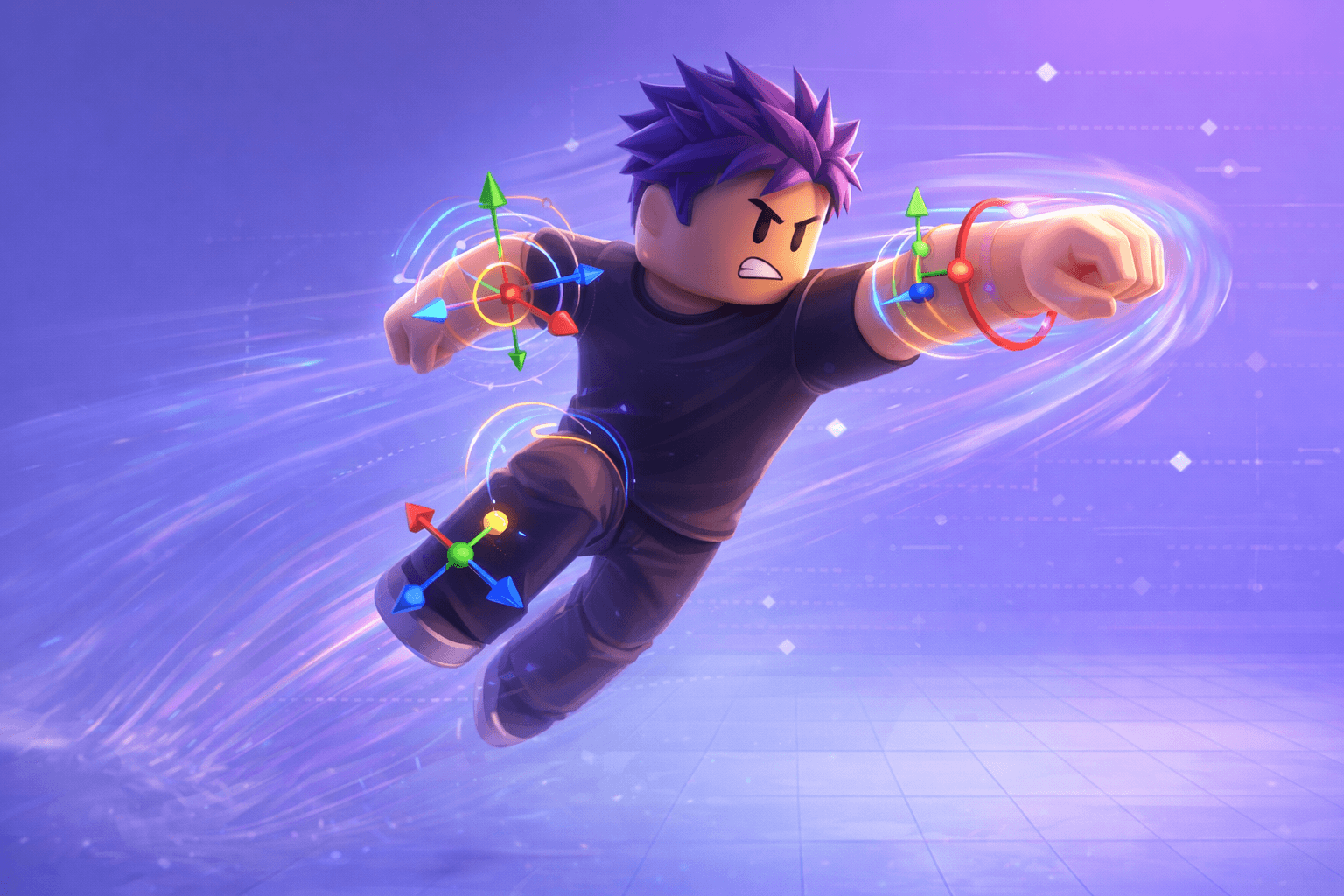
Here's how to figure out which path is yours, and what each one actually costs.
The three real ways to get a custom R15 animation
| Path | What you bring | Best for | Real cost |
|---|---|---|---|
| Keyframe it yourself | Time and patience | Simple idles, walks, prototypes | Free — but hours per move |
| Hire a pro animator | A brief and a budget | Hero motion, cutscenes, branded emotes | ~$75–$150 per animation |
| AI mocap (NoCapMocap) | A video clip or a sentence | Custom emotes, combat, reactions — fast | Credit-based, from $7 |
Notice what's not in that table: a "find a free clip" column. Once you've decided the motion has to be custom — your move, your timing, your character — recycling someone else's pack stops being an option. That's the line this whole guide is on the far side of.
The right path depends on three things: how complex the motion is, how much time versus money you have, and whether it has to land on an R15 rig with as little cleanup as possible. Keep those in mind as we go.
Option 1: Keyframe it yourself in Roblox Studio
Roblox Studio ships with an Animation Editor, and it's genuinely good. You select a rig, pose it joint by joint, drop keyframes on a timeline, tune the easing, set looping and priority, and publish. No external app, no files, no retargeting. It's the most native path there is, and it costs nothing but your time.
That last part is the catch, and it's a big one.
Hand-keyframing is fantastic for simple, readable motion — a breathing idle, a basic walk cycle, a little wave. The moment the motion gets complex, the math changes fast. A convincing three-second combat combo, a dance with real weight shifts, a stumble-and-catch — those can eat hours or days to keyframe well, and the result is only as good as your animation chops. Complex motion usually needs reference footage anyway, even when you're the one placing every key.
Best for: Simple motion, prototypes, and creators who genuinely want to learn how Roblox timing works.
Not great for: Filling a game with complex custom motion on a deadline — manual keyframing does not scale.
So pick this path when the motion is simple, you have the hours, and control matters more than speed. If you find yourself fighting a single move for an entire afternoon, that's the signal to look at Option 2 or 3.
Option 2: Hire a professional Roblox animator
When the animation is the star — a hero character's signature move, a cutscene beat, a branded emote that represents your whole game — a skilled human animator is hard to beat. They bring craft to weight, anticipation, follow-through, and the tiny readability choices that make motion feel alive instead of merely correct.
Let's talk numbers, because this is where people get vague. A quality custom Roblox animation from a professional typically runs around $75 to $150 per animation, depending on complexity, length, rig requirements, and turnaround. That's a real range for real work — and it's money well spent when the motion is central and the bar is high.
The trade-offs are exactly what you'd expect from commission work: cost stacks up per clip, there's turnaround time, you're scheduling around someone else's availability, and revisions live inside whatever scope you agreed on. For a solo dev or a small team, a few hero animations can become a meaningful line item fast.
Best for: Hero characters, cutscenes, and branded motion where polish is a launch requirement and you have budget.
Not great for: A backlog of dozens of emotes, idles, and NPC moves — the per-animation cost adds up quickly.
Pick this path when the motion is complex, the quality bar is production-grade, and the budget is there. If you need volume of custom motion rather than a few showpieces, the economics push you toward the third option.
Option 3: AI mocap and text-to-animation (NoCapMocap)
This is the path I reach for most, and it's the one that didn't really exist a couple of years ago: describe a move, or hand over a phone clip, and get a rigged R15 animation back — no performer, no mocap suit, no animator, no Blender.
Two ways in:
- Video-to-motion — start with a phone clip or reference video of the exact action. Best when the physical performance matters: a specific dance, a sports move, a real reaction.
- Text-to-animation — start with a sentence. "Character stumbles backward and catches themselves." Best for fast ideation when you have no footage at all.
The detail that makes this different from every other AI tool: the output is already an R15 animation, not a generic FBX you have to retarget. With the Motion Lab plugin you generate, preview, and apply the motion to a rig inside Roblox Studio itself — nothing to export, nothing to import.
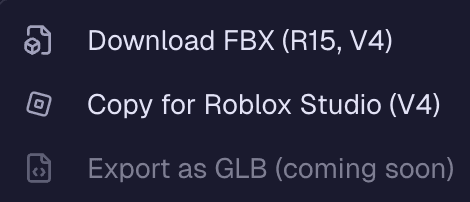
Prefer the browser? Generate on the AI Roblox animation generator, then hit Copy for Roblox Studio and paste it into the community RBXMonkey - Blender Animations plugin inside Roblox Studio. Same R15-native output, just a short browser-to-Studio hop with Blender Animations instead of an in-Studio panel.
On cost: it's credit-based, where 1 credit = 1 second of animation. Packs start at $7 for 25 credits, and subscriptions run from $9/month (50 credits) up to $79/month (1,000 credits). You pay for what you generate — reverify the current numbers on the pricing page before you commit. Every standard Single text prompt returns four variations, so you're picking the best take, not betting on a single roll.
The honest caveat: generated motion is a strong starting point, not a "ship without looking" button. You still review timing, weight, foot contact, and how it reads on your actual rig. That's true of every workflow here — AI just gets you to the review step in minutes instead of hours.
Best for: Custom emotes, combat, gestures, reactions, and NPC motion — at volume, fast, landing natively on R15.
Not great for: A single hero cutscene where you want a human animator sweating every frame.
So which one should you pick?
| If this sounds like you... | Go with |
|---|---|
| The motion is simple and I've got time to learn | Keyframe it yourself |
| It's a hero moment, polish is everything, budget exists | Hire a pro animator |
| I have a clip or an idea and want custom R15 motion fast | NoCapMocap |
| I need a lot of custom motion without a lot of money | NoCapMocap |
| I want production-grade quality on one showpiece | Hire a pro animator |
Most real games end up mixing these. You might hand-keyframe a simple idle, generate twenty emotes and NPC moves with AI, and commission one jaw-dropping hero combo from a pro. The skill isn't picking one path forever — it's matching the path to the job in front of you.
A quick word on Mixamo
Where Mixamo actually fits
Mixamo gets brought up in every Roblox animation thread, so let's place it honestly: it's a free library of pre-made clips on a standard humanoid rig — not R15. For a generic placeholder walk or idle it can do in a pinch, fine. But it can't generate anything custom, hasn't meaningfully evolved for Roblox, and every clip needs retargeting before it behaves on an R15 rig. For custom motion, it isn't really in the conversation. If you're weighing tools anyway, the best Mixamo alternatives for Roblox breaks down how the modern options compare.
The real cost is the handoff
Here's the thing nobody puts in a pricing table: the most expensive part of a custom animation is rarely the headline number. It's the handoff.
A "free" DIY animation that swallows a weekend isn't free for a small team. A $150 commission that misses the gameplay feel costs a paid revision round on top. And an FBX from any external tool costs you the retargeting tax — export settings, bone mapping, sliding feet — every single time you move a clip into Studio.
That's the quiet advantage of generating R15-native: there's no handoff to pay for. The motion is born on the rig it'll ship on. When you're producing dozens of moves, removing that tax matters more than any per-clip price.
See it in motion
Every animation below was made the no-handoff way — described or captured, generated as R15, applied to a rig in Studio. No export settings, no second monitor.
Want to go deeper on a specific path? The easiest way to make Roblox animations walks Motion Lab end to end with screenshots, the video-to-Roblox checklist covers cleaning up the video path, and here are some custom emotes made with AI if you need ideas.
FAQ
How much does a custom Roblox animation cost?
It depends on who does the work. Keyframing it yourself in Roblox Studio is free — you pay in hours. A professional Roblox animator typically charges around $75–$150 for a quality custom animation, depending on complexity and turnaround. AI mocap with NoCapMocap is credit-based, starting at $7 for 25 credits where 1 credit = 1 second of animation.
Should I animate it myself or hire someone?
Animate it yourself when the motion is simple, you have time, and you want full control — a basic idle, walk, or wave. Hire a professional when the motion is complex and central to your game, like a hero combat set or a cutscene, and polish is a launch requirement. If you want custom motion fast without keyframing or a commission cycle, AI mocap is the third path.
Can I make custom Roblox animations without Mixamo?
Yes, and honestly you should. None of the three real paths need Mixamo: keyframe the motion yourself in Roblox Studio, hire a Roblox animator, or generate it with AI mocap from a video clip or text prompt. Mixamo is a legacy library of pre-made clips on a non-R15 rig — not a source of custom motion.
Is AI mocap good enough for production Roblox animations?
For emotes, idles, NPC motion, reactions, and most gameplay moves — yes, especially when the output lands directly on an R15 rig like NoCapMocap's does. You still review every clip for timing, foot contact, and readability before shipping. For a hero cutscene where every frame matters, a pro animator may still be the right call.
What's the fastest way to get a custom animation onto an R15 rig?
Generate it where the rig already lives. The Motion Lab plugin lets you create or import a motion and apply it to a selected R15 rig inside Roblox Studio — no FBX export, no retargeting, no second app. That removes the slowest part of every other workflow: the handoff.