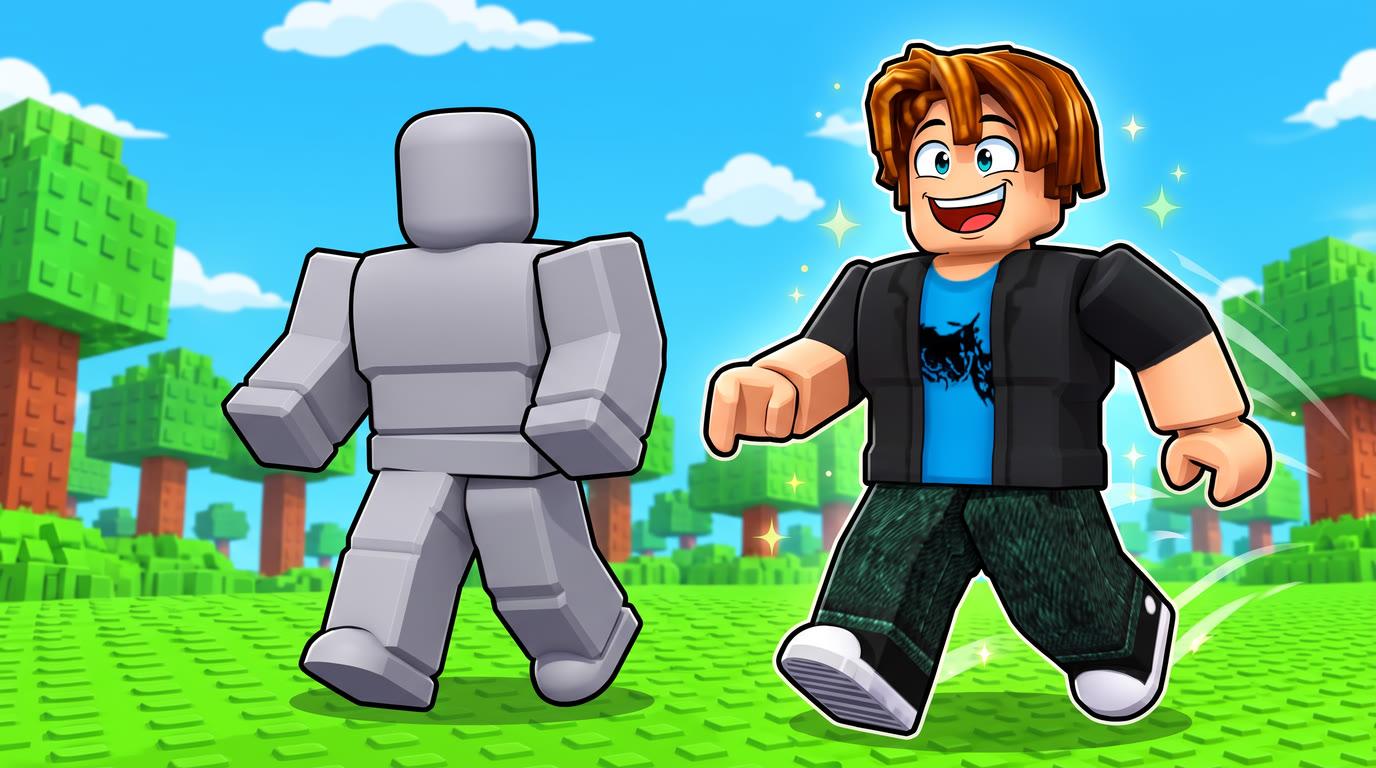
Roblox put AI animation inside Studio, and it's free for now. Since I built NoCapMocap, of course I tested it the day it came out, and to be honest, I was expecting something way bigger. But it's in BETA, and I want to be fair, so let's go round by round and you can judge it yourself.
If you don't have much time, I left a 49-second version on YouTube.
The short answer
Roblox's tool is good. For a quick animation, just use it. It's free, and you never leave Studio.
But if you want 4 versions to pick from and more control over how your character moves, go with NoCapMocap.
One tip before you try Roblox's tool: if you want a walk, write "loop" in your prompt. It makes a huge difference, and I show you why in Round 4.
| Round | Result |
|---|---|
 1. Film a move |  Not tested yet |
 2. Type a move |  NoCapMocap wins |
 3. Into Roblox Studio | Roblox wins |
 4. Fix it in the editor | NoCapMocap wins |
 5. What it costs | Roblox wins |
 Final score | NoCapMocap 2, Roblox 2. 1 not tested yet. |
 Pick NoCapMocap if
 You want to film a move and get an animation back.
- You want 4 versions of each typed move.
- You want to turn a move that you already like into a loop.
- You want to change how a move feels, not only trim it.
- You want a quick animation and you don't want to pay.
- You want a simple walk loop from one prompt.
- You want to stay inside Studio from start to finish.
- You have old R6 clips and you want them on R15.
A quick note before the rounds. My other matchups use the same prompt and the same character, but this one doesn't, because I tested it on launch day. I typed "a roblox character walking happily" at 4 seconds in Roblox, and "a person happily walks" at 3 seconds in NoCapMocap. Roblox used its default rig and NoCapMocap used our test character, so read this as a first look.
Round 1: Film a move
Roblox's launch post lists two tools, Prompt to Animation and Motion Rebuilder, and neither one takes a video.
But Studio does have a separate beta for that. Animation Capture takes one person, in one shot, in a clip under 15 seconds.
On NoCapMocap we have Video-to-Motion, which is also in beta. You film a move on your phone, trim up to 20 seconds, and you get a Roblox animation back. And one clip can have up to 8 people, with an animation of each person, which is pretty cool.
I didn't run the same clip through both tools though, so I'm not calling this one yet.

Round 1 result. Not tested yet. Roblox Prompt to Animation takes text, not video. Studio has a separate beta for video and NoCapMocap takes video too, but I didn't run the same clip through both.
Round 2: Type a move
In Studio, you turn on the beta feature, open the Assistant and type /generate_animation. A little box pops up with your prompt, your rig and a duration. I went for 4 seconds and hit Generate.
It came back super fast, and I have to be clear about this, it looks good. For a first release, that's a really good result.
Now, if I want to be picky about it, I see a couple of things. The hands rotate a lot, way more than devs usually animate them, and the forearm twists when a Roblox arm usually swings like a hinge. You also get parts going through each other, which you really don't need. That's just my opinion, but to me it moves more like a person than a Roblox character.
In NoCapMocap, I typed my prompt, set 3 seconds and hit Generate. Right away, the arms looked more natural on a Roblox character. He wasn't very happy yet, but I got 4 versions from that one prompt, so I just picked my favorite.
Roblox's walk is good, I'm not saying it isn't. But having 4 versions to choose from, with arms that feel right on the character, is why this round goes to NoCapMocap.

Round 2 result. NoCapMocap wins. Roblox gave me 1 good walk. NoCapMocap gave me 4 versions to pick from, and to me the arms feel more natural on a Roblox character.
Round 3: Into Roblox Studio
This one is easy. Roblox's animation is already in Studio. You can open it in the Clip Editor right away, and the launch post says Save to Roblox uploads it as an animation asset.
With NoCapMocap, I saved it to my Library, clicked Copy for Roblox Studio, and imported it from the clipboard with the free RBXMonkey plugin. It worked, but it's more steps. Our free Motion Lab plugin also works inside Studio, but I didn't use it for this test.
You can't beat already being there.
Round 3 result. Roblox wins. Your animation is already in Studio, and you can open it in the Clip Editor right away. With NoCapMocap you have a few more steps.
Round 4: Fix it in the editor
A walk in a game has to loop and it has to stay in place, because your game moves the character, not the animation.
So I asked the Assistant to please loop my walk and keep it in place. It took over half a minute, and then it told me the loop was seamless and the character was walking in place.
So I played it, and he walked right at the camera and snapped back to the start.
Now, to be fair with Roblox, their post says to add "in place" or "loop" to the prompt, and my first prompt had neither. So I tested that too. I did this after I posted the video, so you won't see it there.
| Prompt | What happened |
|---|---|
| a roblox character walking happily | He walked 17 studs and snapped back |
| a roblox character walking happily in place | He walked 13.5 studs and snapped back |
| a roblox character walking happily, loop | He stayed in place, and the loop was clean |
| a roblox character walking happily in place, loop | He stayed in place, and the loop was clean, 2 times out of 2 |
I also ran my NoCapMocap prompt in Roblox with those same words, and that one came out clean too.
So yes, the word "loop" does the job. With it, Roblox gives you a walk that stays in place and repeats with no jump. That's a really good result, and I'm happy to say it.
You just have to know that word before you generate. When I asked the Assistant to fix my finished walk it didn't work, so the fix was a brand new walk from a new prompt. Roblox also has Edit in Assistant and the Clip Editor, but I didn't test those here.
In NoCapMocap, my walk was also moving forward, and he was even drifting to the right. But I liked that walk, so I kept it. I opened it in the Animator and clicked Find a loop, which picks the part of the walk that repeats best. Not in love with it? Click Try another loop. You can see how seamless it is, so you're not guessing, and then you click Bake loop.
Turn on Moving floor to see how it looks in your game. He stays in place and the floor moves under him, so he just walks, with no snapping back.
Then the fun part. I went to Personality and tried Cartoon. The chest was bouncing too much, so I turned off Chest stretch, and then I used Fine tune to add a little delay to the head and the arms. Now that's a happy walk, he's really feeling it.
It's not perfect though. In Studio the feet slide a little, but that's pretty normal because he's walking too fast, and you can fix it easily in the Animator.
This is the part NoCapMocap was built for.
Round 4 result. NoCapMocap wins. Find a loop fixed my finished walk, and Personality made it happy. On Roblox, the word "loop" in a new prompt gave a clean loop, but the Assistant didn't fix my finished walk.
Round 5: What it costs
Roblox says they're not charging at this time. During the beta you can start up to 4 generations a minute, and they say those limits can change.
NoCapMocap uses credits. My 3-second walk cost 3 credits and gave me 4 versions. A new account starts with 0 credits, and the Animator is free. You can see the plans and credit packs on the pricing page.
Free is free.
Round 5 result. Roblox wins. Free is free, and Roblox says they're not charging at this time. NoCapMocap uses credits, and my 3-second walk cost 3 credits for 4 versions.
Your move
Type a move or film one, and then judge the result on your own character.
Want the exact steps? Go read how to make a walk for your game. You can also see every matchup.
Every fact in one place
| At a glance | NoCapMocap | Roblox |
|---|---|---|
| Type a move | Yes. 4 versions from a standard prompt | Yes. 1 animation from each generation |
 Longest typed move | Yes. 10 seconds | Yes. 10 seconds for each action |
| Film a move | Yes. Trim up to 20 seconds of a phone clip (beta) |  Not tested yet. Not in Prompt to Animation. Animation Capture, a separate Studio beta, takes a clip under 15 seconds |
| More than one person in a clip | Yes. Up to 8 people, with an animation of each person |  No. Animation Capture takes one person |
 R15 | Yes. Choose Roblox, and the animation fits R15 | Yes. Standard R15. Advanced R15 is not available yet |
| R6 | No. Not supported for now | No. Typed moves don't play on R6 yet. Motion Rebuilder turns R6 clips into R15 |
| Where you work | Yes. In the web app, or in Studio with the free Motion Lab plugin | Yes. In Studio |
| A loop from the prompt | No. You make the loop in the Animator | Yes. Just write "loop" in the prompt. He stayed in place in all 4 of my tests |
| Loop a finished move | Yes. Find a loop picks the part that repeats best and shows how seamless it is | No. The Assistant said it was done, but he still walked off |
| Personality presets | Yes. Bouncy, Cartoon, Proud and more | No. None in my test |
| Change the keys | Yes. Free Animator in your browser | Yes. Edit in Assistant and the Clip Editor. I didn't test them here |
| Cost | Yes. Credits. My 3-second walk cost 3 credits | Yes. Free at this time |
 Yes
 NoNot tested yetWe checked these facts on November 6, 2026.
Questions
Is Roblox's animation tool free?
Yes, for now. Roblox says they're not charging at this time, and that the limits can change.
Is Roblox's animation tool good?
Yes. For a quick animation it's good, and it's right there in Studio.
Can Roblox's tool make a loop in place?
Yes, just write "loop" in your prompt. On November 6, 2026, all 4 of my tests with that word stayed in place and looped cleanly. "In place" alone didn't stop the walk, and asking the Assistant to fix a finished walk didn't work either.
Can Roblox's tool make an animation from a video?
Prompt to Animation only takes text. Studio has a separate beta, Animation Capture, for a clip of one person that's shorter than 15 seconds. On NoCapMocap, you can trim up to 20 seconds, and one clip can have up to 8 people.
Do they work with R6?
Motion Rebuilder turns R6 clips into R15, but Roblox says typed moves don't play correctly on R6 yet. On NoCapMocap, R6 is not supported for now.
Do I need NoCapMocap if I have Roblox's tool?
Not for a quick animation. NoCapMocap is for when you want to film a move, pick from 4 versions, turn a finished move into a loop, and change how the move feels.